10 Ways Your Fire Department Website Is Letting You Down - And What You Can Do About It
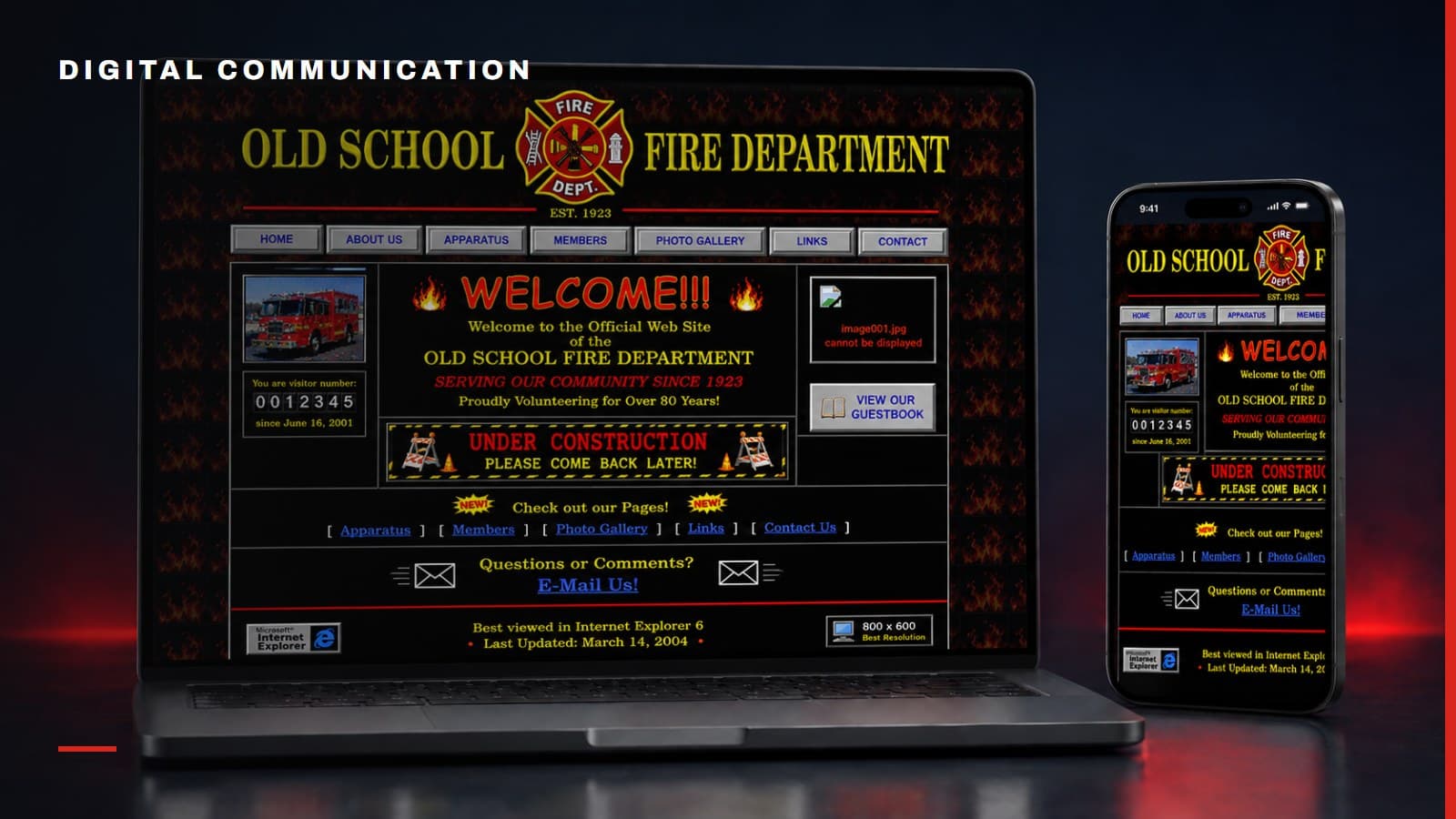
I have been creating and managing fire department websites for about 30 years, beginning with one of the earliest department websites online in the mid-1990s.
The technology has changed completely. The reasons many fire department websites fail have not.
Some look old. Some are technically modern but almost impossible to use. Others became neglected because the one person who understood the site got busy, transferred or left. Many departments decided that Facebook could replace a website, then discovered they had built their entire public presence on a platform they do not own or control.
Your social media accounts can be your daily news feeds. They are useful for incident updates, photos, event reminders and timely conversations. But they are not your department's digital home.
Your website is where prospective members should learn how to join. It is where residents should find public documents, contact information, fire prevention resources and upcoming events. For volunteer departments, it may also support fundraising, hall rentals, donations and community programs. It should present a clear, trustworthy picture of who you are and how you serve.
If your website is not doing those things, here are ten likely reasons.
It Was Built for the Department, Not the Visitor
Department websites often mirror the internal organization chart. Visitors are expected to understand divisions, committees, station numbers, officer titles and terminology before they can find anything.
A resident does not necessarily know whether a smoke alarm request belongs under Community Risk Reduction, Fire Prevention or Operations. A prospective volunteer should not need to search through five pages to find an application.
Organize the site around what visitors want to accomplish:
- Join the department
- Request help or information
- Learn about services
- Find an event
- Rent the hall
- Make a donation
- Access public documents
- Contact the right person
Internal structure may still matter, but it should not control the visitor experience.
The Homepage Tries to Say Everything
Many department homepages are packed with welcome messages, mission statements, apparatus photos, incident feeds, weather, calendars, announcements, social posts and links to every page on the site.
When everything is emphasized, nothing is emphasized.
The homepage should quickly answer four questions:
- Who are you?
- What do you do?
- What does the visitor most likely need?
- What should the visitor do next?
Use a strong image of your actual people, a concise description and a few clear paths for the highest-value actions. Move detailed history, apparatus specifications and organizational information to pages where interested visitors can explore them.
It Looks Abandoned
An old copyright date, an event from two years ago or a chief's message written three administrations back tells visitors that no one is paying attention.
An abandoned-looking website creates questions beyond design. If the public information is neglected, residents and prospective members may wonder what else is out of date.
The answer is not to create more content than your department can maintain. Build a smaller site with durable information and use your social platforms for frequent updates. Display selected social content on the website when it adds value, but do not make the entire homepage dependent on a feed that may break.
Set a quarterly review for core pages and assign an owner to each time-sensitive section. Remove expired events, verify contact information and confirm that forms still reach the right people.
You Think Social Media Replaced the Website
Social media is rented property. Algorithms decide who sees your posts. Platform rules change. Accounts can be restricted, hacked or lost. Older information becomes difficult to find, and residents may not use the same platforms your department prefers.
Use social media for what it does well: timely updates, conversation, photos, short videos and links that bring people back to your site.
Use the website for information that must remain findable and authoritative:
- Recruitment information and applications
- Services and contact information
- Fundraising and donations
- Hall rental details
- Public documents
- Event landing pages
- Leadership and governance information
- Fire and life safety resources
- Official announcements
Social media should extend your website, not replace it.
Your Recruitment Page Is an Afterthought
Too many recruitment pages say little more than “We are always looking for volunteers” followed by a generic contact form.
Joining a fire or EMS department is a major commitment. Prospective members want to know what roles are available, what training is provided, what the time commitment looks like and whether they can see themselves belonging there.
A strong recruitment section should include:
- Operational and non-operational opportunities
- Basic eligibility requirements
- Training and onboarding expectations
- Time commitments
- Benefits and incentives
- Real member stories
- Photos and video of the people
- A clear application or inquiry process
- What happens after someone responds
Most importantly, connect the form to a real follow-up process. Marketing only gets you so far. A polished website cannot compensate for taking two weeks to contact an interested person.
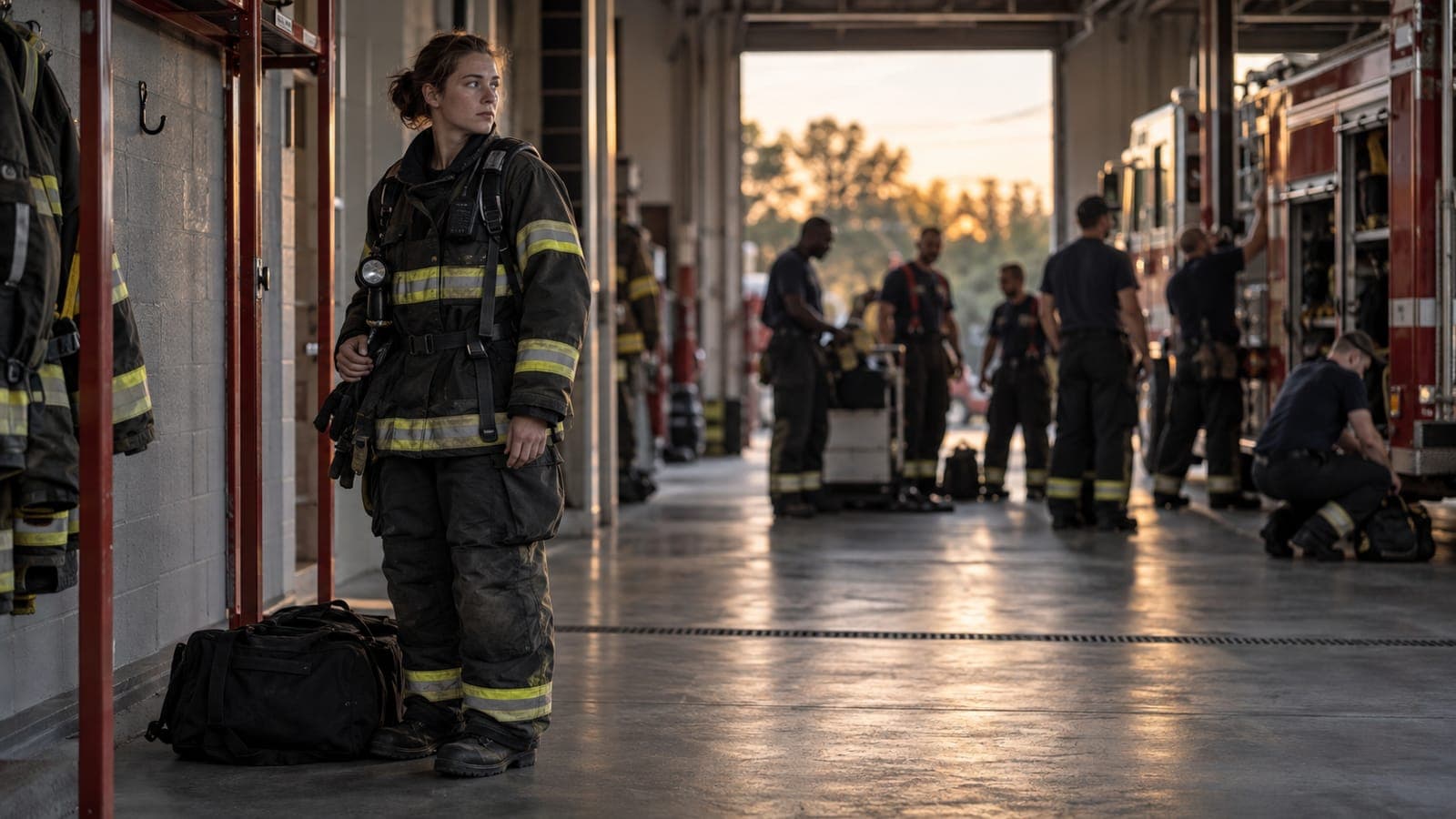
It Shows Trucks and Fires, but Not People
Apparatus photos and dramatic incident images will always be part of fire service communication. They should not be the entire story.
People join people. Residents trust people. Donors support people.
Show the different personalities, ages, backgrounds and roles within the department. Introduce members. Share why they joined, what they have learned and what service means to them. Show training, station life, community events, recognition, teamwork and the quieter work that happens between calls.
The most convincing recruitment content may be a member explaining how the department changed their life. The most effective fundraising image may show firefighters helping a neighbor rather than a close-up of an engine.
Your people are not supporting content. They are the story.
It Is Miserable to Use on a Phone
Most visitors will not wait until they are seated at a desktop computer to look up your department. A potential recruit may discover you from a social post and visit the site immediately on a phone. A resident may be looking for an event address while already on the road.
Test the actual tasks, not merely whether the page shrinks to fit a small screen.
Can a visitor:
- Read the text without zooming?
- Use the navigation with one hand?
- Complete a form without fighting tiny fields?
- Tap a phone number or email address?
- Find directions?
- Read a document or event detail?
- Understand buttons and links without guessing?
Mobile design and accessibility are part of public service. Use readable contrast, meaningful headings, keyboard-friendly navigation, descriptive links, alternative text for important images and captions when available.
Basic Public Information Is Hard to Find
A beautiful website is not useful if residents cannot find a non-emergency phone number, station address, fire marshal contact, public records information or instructions for common services.
Create clear paths for frequent questions. Depending on the department, these may include:
- Smoke alarm programs
- Fire prevention inspections
- Burn permits
- Public education visits
- Knox Box information
- CPR or community training
- Public records requests
- Station tours
- Incident report requests
- Employment or volunteer membership
Use the language residents use. “Request an Incident Report” is more useful than placing the same information under an internal bureau name.
Do not publish sensitive operational information or promise that web forms are monitored for emergencies. Prominently direct visitors to call 911 for emergencies.
Fundraising, Events and Hall Rentals Feel Bolted On
For many volunteer departments, fundraising, community events and facility rentals are important programs. Yet the website may offer a single PDF, an outdated flyer or a phone number answered only when someone happens to be at the station.
Build real landing pages for these activities.
A fundraising page should explain where the money goes, make donation options clear and reinforce trust. An event page should provide the date, time, location, parking, pricing, accessibility and a simple way to register or buy tickets. A hall rental page should show the space, capacity, amenities, rules, availability process and next step.
These pages also support social media. Instead of repeating every detail in every post, link people to one current, authoritative destination.
Measure interest and conversions so the department can see which promotions work.
Nobody Truly Owns It
The website was created by a member, a former chief's relative, a local volunteer, a small vendor or someone who knew enough to get it online. Years later, no one knows where the domain is registered, who pays for hosting or how to recover the administrator account.
This is more than a maintenance problem. It is an operational and security risk.
The department should control:
- Domain registration
- Hosting and content-management accounts
- Administrative access
- Password recovery
- Analytics
- Form destinations
- Payment accounts
- Backups
- Vendor contracts
More than one authorized person should have access. Use individual accounts, multifactor authentication and a department-controlled password manager. Document how the site works and what must be renewed.
Plan for the person who built it to retire, transfer, get promoted or leave. Plan for the worse possibility too: someone is fired, leaves unhappy and tries to damage what they built. No one person should be able to take the department's website, domain or data with them.
Start With the Work the Website Must Do
You do not need the flashiest fire department website. You need one that works.
Start by identifying the most important audiences and actions. Fix outdated contact information. Strengthen recruitment. Make services easier to find. Show your people. Give fundraising, events and hall rentals proper landing pages. Establish ownership and a realistic publishing process.
Then improve the design around that foundation.
After 30 years of building and managing fire service websites, I still believe a department's website can be one of its most valuable communication, recruitment and community-service tools. But only if someone treats it as an active part of the operation instead of a project that was finished years ago.
For a step-by-step planning and improvement framework, read the Guide to Building a Fire/EMS Website That Serves Your Community and Strengthens Your Department.
Tools for this topic
Free interactive tools to put this into practice.
 Part of the seriesWebsites & Digital PresenceExplore the series
 Recent posts
All posts →