Guide to Managing Fire and EMS Membership with Online Tools
Fire and EMS member management should connect the entire member lifecycle, from first inquiry through onboarding, qualification, participation, recognition and eventual offboarding.
A practical guide to connecting fire and EMS member records, certifications, onboarding, training, participation, communication, equipment and reporting online.
Managing a fire or EMS department's membership involves far more than maintaining a roster.
The department must track prospective members, applications, contact information, ranks, roles, certifications, training progressions, participation, schedules, equipment, policies, benefits and communications. Many organizations manage these responsibilities through a mixture of spreadsheets, paper forms, shared drives, email and several unrelated applications.
Online tools can reduce that work, but only when the department treats member management as one connected lifecycle rather than a collection of isolated administrative tasks.
Begin With the Complete Member Lifecycle
Map what happens from the moment someone expresses interest through the end of membership:
- Prospect inquiry and follow-up
- Application and review
- Acceptance and onboarding
- Initial training and qualification
- Active participation and scheduling
- Certification renewal and continuing education
- Recognition, benefits and advancement
- Leave, inactive status or offboarding
The system should preserve history as a person moves through these stages. An applicant should not become a completely new record when accepted. Training, documents, communications and issued equipment should remain connected to the same person.
Assign ownership for every transition. Recruitment may own the prospect until an application is complete, a membership committee may manage review and acceptance, and a training officer may own the probationary progression. The system should show who is responsible now and what must happen next.
Define statuses in plain language. “Applicant,” “accepted,” “probationary,” “active,” “leave of absence,” “inactive,” “suspended,” “retired” and “former member” should have agreed meanings. Status should drive appropriate access, reminders, reports and responsibilities instead of serving as a label that no other part of the system uses.
Preserve important dates such as inquiry, application, acceptance, start of probation, full qualification, rank changes, leave and separation. These dates support recognition, benefits, audits and accurate organizational history.
Establish One Authoritative Member Record
Create one profile for each person, with appropriate fields for contact details, emergency contacts, rank, roles, station, status and department-defined information.
Rank, role and status changes should include effective dates so the department can understand both the current organization and its history.
Privacy must be designed at the field level. A member may need access to a colleague's phone number without receiving access to dates of birth, emergency contacts, license numbers or other sensitive information.
Define who owns each field and who may change it. Members can usually update a preferred phone number or mailing address. Rank, membership status, benefit eligibility and official qualification dates should require authorized review.
Use required fields carefully. Demanding information that the department does not need creates unnecessary privacy risk and frustrates members. Every sensitive field should have a clear operational, legal or benefits purpose.
Avoid duplicate profiles for people who hold multiple roles. A firefighter who also serves as an EMT, instructor and board member should have one identity with several assignments and permission sets.
Connect Credentials to Readiness
Certification tracking should do more than store expiration dates.
Members need advance reminders, a secure way to submit renewed credentials and a clear view of what is expiring. Leadership needs an approval process and visibility into department-wide risk.
Credentials should connect with scheduling and operational eligibility when appropriate. A system should not allow an expired or missing qualification to go unnoticed when someone fills a position that requires it.
Different credentials require different rules. Some expire on a fixed date, some require continuing education, and others remain valid only while prerequisites are current. Configure reminders far enough in advance for members to act, with escalation to the appropriate officer when deadlines approach.
Store the document, credential number, issuing authority, effective date, expiration date and approval history where needed. Protect license numbers and other sensitive fields from unnecessary access.
Create department-level views that show what is expiring in 30, 60 and 90 days. The goal is to prevent gaps, not produce a report after someone has already become ineligible.
Structure Onboarding and Progression
New members need a visible path through paperwork, orientation, gear issuance, policies, mentoring and initial training.
Use checklists and task books with prerequisites, officer sign-off and phases. Members should always know what is complete, what remains and who can approve the next step.
Starter templates for common paths such as recruit, driver/operator, officer and EMS onboarding can save significant setup time, provided the department can customize them without a developer.
Separate administrative onboarding from operational qualification. A new member may need tax forms, identification, uniforms, station access, policies and a mentor before beginning a firefighting or EMS progression.
Each task should have a responsible person, expected completion window and evidence of completion. Some items need a simple confirmation. Others require a document, practical demonstration or officer sign-off.
Give mentors and officers a consolidated view of their assigned members. Leadership should be able to see where people are stalled and whether delays reflect the member, the department or a missing opportunity.
Record Activity Once
Calls, training, meetings, standbys and other activities may affect several downstream processes.
One event can contribute to member participation, LOSAP, internal incentives, training history and reports. The system should apply that information automatically according to the department's rules instead of requiring several people to reenter the same activity.
Define how activity is captured. Incident participation may arrive from an RMS, CAD or run log. Training attendance may come from an event roster. Standby time may be recorded through scheduling. Manual corrections should require an explanation and create an audit trail.
Establish approval rules for disputed or late activity. Members should be able to see their totals and request corrections before an annual benefits deadline rather than discovering a problem after the reporting period closes.
Make Scheduling Qualification-Aware
Scheduling tools should understand the difference between a shift and the people qualified to fill its positions.
Members may sign up or request swaps, but rules should prevent someone from taking a slot that requires a qualification or rank they do not hold. Leadership should receive alerts when staffing falls below required levels.
Calendar synchronization, reminders and a live on-duty view make the schedule useful to members, officers and the station.
Scheduling should account for rank, certification, driver status, station assignment and other local requirements. Open-slot notifications should reach people who are actually eligible rather than creating noise for the entire membership.
Track swaps and approvals in the system. A group text may find a replacement, but it does not necessarily update the official schedule or confirm that minimum staffing remains intact.
Connect People, Equipment and Responsibilities
Member management often intersects with equipment and asset management.
Track gear and equipment issued to each member, including serialized items, dates, condition and return requirements. Onboarding should identify what must be issued. Offboarding should show exactly what must be returned and to whom.
The same approach applies to mentor assignments, committee roles, station access and other responsibilities that begin or end with membership changes.
Create an offboarding checklist that pulls these obligations together. It should identify issued gear, keys, devices, purchasing cards, system access, committee responsibilities and outstanding documents. Record what was returned, disabled or transferred and who verified it.
Do not delete the person's history simply because access ends. Preserve records according to policy while removing login privileges and unnecessary visibility immediately.
Centralize Documents and Acknowledgments
Policies, SOPs, handbooks, forms and training resources should be searchable and available according to role.
When acknowledgment is required, the system should record who received the document, which version they reviewed and when they acknowledged it.
Ordinary reference documents should remain easy to access without forcing unnecessary acknowledgment workflows.
Improve Communication Without Creating Another Disconnected Channel
A communication hub may include announcements, direct messages, group chat, event updates and short urgent notices.
Critical communication should support acknowledgment tracking. Leadership should be able to target messages by station, role, group or status without exposing every conversation to the whole department.
Communication history should be searchable and retained according to department policy.
Decide which channel serves each purpose. A critical policy notice may require acknowledgment. A committee conversation may belong in a group. A short operational alert may need a prominent bulletin. Treating every message as urgent teaches members to ignore all of them.
Define retention and moderation rules before disputes arise. Department communication tools are organizational records, not private consumer chats, and members should understand that distinction.
Manage Incentives and Recognition
Volunteer and combination departments may manage LOSAP, local property-tax credits, state programs, stipends, per-call pay and internal recognition.
Rules should be configurable, historically accurate and connected to recorded activity. When government program rules change, managed plan templates can help departments update calculations and forms consistently.
Recognition tools should also surface service milestones, advancement and meaningful contributions. Participation trends can help leadership identify disengagement before a member quietly leaves.
Do not reduce retention to a score. A participation decline is a prompt for a conversation, not proof that someone no longer cares. Work schedules, family needs, health, conflict, training access and leadership behavior may all affect activity.
Use data to help leaders notice changes earlier. The actual retention work remains personal.
Give Members Appropriate Self-Service
Members should be able to complete routine tasks from a phone:
- Review and update permitted profile fields
- Upload certifications
- See progression status
- Sign up for shifts
- Respond to events
- Read assigned documents
- Acknowledge critical notices
- Review participation and benefit status
Self-service should operate within approval and permission rules. It reduces administrative work without sacrificing oversight.
Build Reporting Into Daily Activity
Useful reports should emerge from the work the department already records.
Leadership may need roster, certification, participation, LOSAP, response, onboarding, training and retention reports. Standard reports should be available quickly, with CSV and PDF export for deeper analysis or formal submission.
Custom and AI-assisted reporting can help answer unexpected questions, but the source data must be consistent and permission-aware.
Define a standard leadership reporting rhythm. A monthly dashboard might review roster status, expiring credentials, onboarding progress, participation, staffing and unresolved equipment assignments. Quarterly reviews can examine retention trends, incentive pacing and recruitment conversion.
Reports should lead to action. A list of expiring credentials needs an owner. A stalled onboarding report needs follow-up. A participation trend should prompt a conversation rather than becoming another spreadsheet attachment.
Plan Security, Access and Continuity
Member systems may hold sensitive personal information. Require encryption, audit logging, multifactor authentication and least-privilege access.
Use role defaults, but allow department-specific permission configuration. Some controls involving invitations, PII, system settings and security should remain protected.
More than one authorized administrator should understand and control the system. Hosting, data, security and recovery should never depend entirely on one person's login.
Review access quarterly and immediately after a role change or departure. Use individual accounts, multifactor authentication and audit trails. Confirm that backups, export and incident-response responsibilities are documented.
Ask what happens when the vendor changes ownership, the department ends the contract or an administrator leaves under difficult circumstances. The department should be able to recover access, export usable information and continue operating without relying on personal goodwill.
Evaluate the Platform as a Connected System
Before selecting an online platform, determine whether modules truly share data.
Ask whether a certification can affect scheduling eligibility, whether one activity record feeds LOSAP and reports, and whether an onboarding checklist can create equipment and document responsibilities.
Also confirm that administrators can configure forms, plans, catalogs, permissions and progressions without custom development.
Look beyond the product demonstration. Ask the vendor to show a member moving through the full lifecycle, including an exception. Confirm which capabilities are standard, configurable, custom, partner-provided or planned.
Evaluate the member experience on a phone and the administrative experience for a person who is not a software specialist. A powerful system that ordinary members avoid or only a developer can configure will create new work instead of reducing it.
Warning Signs That the Department Is Still Managing in Silos
Watch for these conditions even after new software is introduced:
- The roster differs between systems.
- Officers maintain private spreadsheets as backups.
- Members repeatedly enter the same information.
- Certification expirations are discovered after the fact.
- Scheduling does not recognize qualifications.
- Activity totals differ between participation and benefits reports.
- Applicants disappear between inquiry and onboarding.
- Departing members retain access or unreturned equipment is unknown.
- Reports require manual consolidation every month.
- Only one person understands the configuration.
These problems do not always require another product. They may reflect missing ownership, incomplete configuration, weak training or an integration that was never finished.
A Practical Implementation Sequence
Do not enable every module at once simply because it is available.
Phase One: Establish the Foundation
Create the authoritative roster, statuses, roles, permissions and administrative ownership. Clean existing data and confirm privacy rules.
Phase Two: Protect Readiness
Configure certifications, expirations, training progressions and qualification relationships. Establish approval and reminder workflows.
Phase Three: Connect Participation
Add incident, training, meeting and standby activity. Connect those records to scheduling, LOSAP, benefits and reports without duplicate entry.
Phase Four: Improve the Member Experience
Enable mobile self-service, documents, acknowledgments, communications, events, recognition and appropriate personal dashboards.
Phase Five: Measure and Improve
Build standard reports, review adoption, correct workarounds and add integrations based on measurable administrative or member value.
For every phase, assign an owner, define success, train the affected users and establish how often the workflow will be reviewed.
For a feature-by-feature checklist, read The Top 20 Tools to Look for in a Fire Service Member-Management Platform.
Frequently asked questions
What information should a fire or EMS member-management system track?
At minimum, it should manage member profiles, roles, status, certifications, onboarding, training progression, participation, documents, communication and reporting. Many departments also need scheduling, LOSAP, equipment assignments, forms and recognition.
Can a department manage membership with spreadsheets?
Spreadsheets can support temporary tracking and analysis, but they become risky when several disconnected files control sensitive data, reminders, approvals and organizational history. Read Your Membership Spreadsheet Is Not a Member-Management System for the warning signs.
Should members be able to update their own records?
Members should have controlled self-service for appropriate fields and submissions. Sensitive changes, certifications and official status updates may require leadership review.
How can member-management software improve retention?
It can make expectations visible, improve onboarding, recognize progress, identify declining participation and help leaders communicate before a disengaged member leaves.
What security controls should a member-management platform provide?
Look for encryption, audit logs, multifactor authentication, role and field-level permissions, secure credential storage, tenant isolation and immediate removal of access when responsibilities change.
Online member management should reduce administrative work while giving members and leaders clearer responsibility. The goal is not to digitize every existing spreadsheet. It is to create a connected, secure system that supports the entire membership experience.

Related reading
Tools for this topic
Free interactive tools to put this into practice.
 AssessmentTechnology Continuity Risk Check
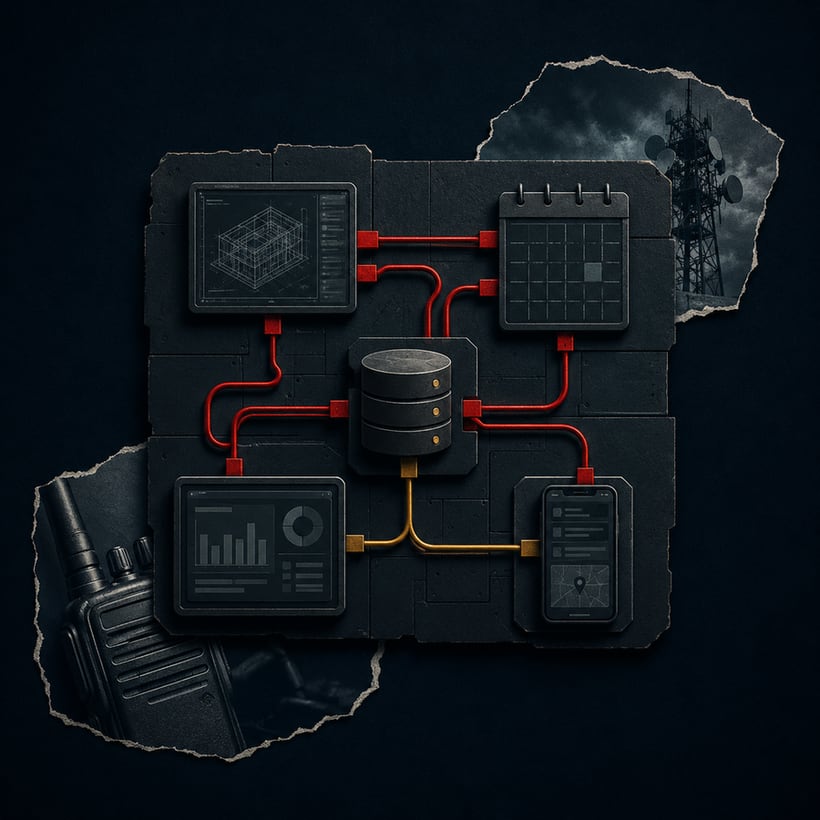 BuilderTechnology Connection Mapper
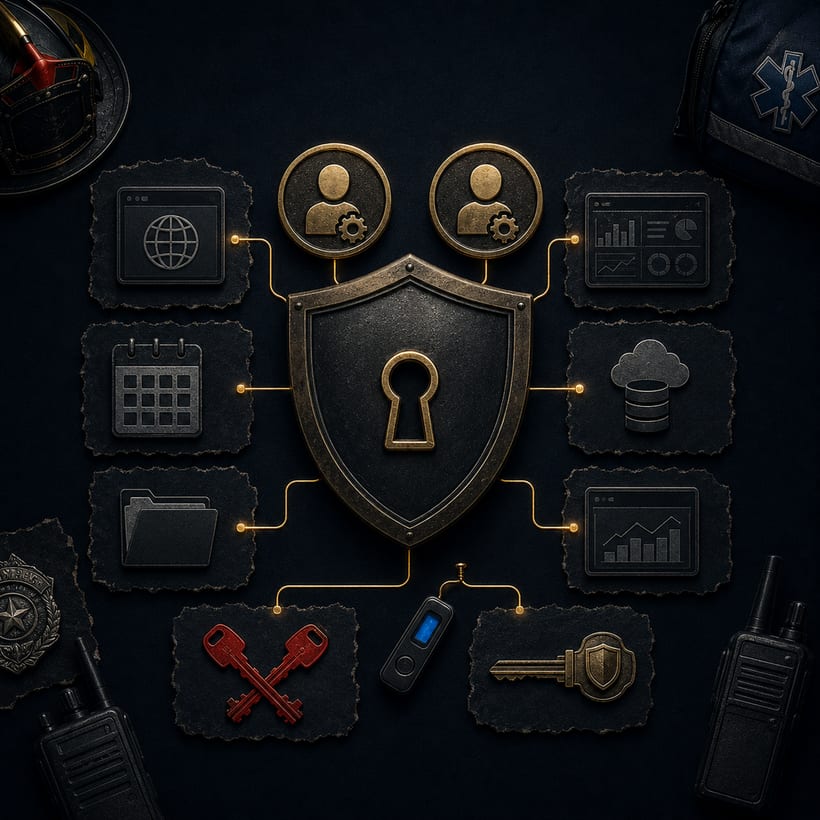 AssessmentTechnology Access Resilience Check
 Part of the seriesPublic Safety TechnologyExplore the series
 More guides
All guides →a vendor
data
an RFP
that works
Recent posts
All posts →