Guide to Organizing and Managing a Fire Department with Online Tools
Online tools can simplify fire department administration when they share data, reflect real workflows and replace duplicate entry instead of adding another disconnected system.
A practical guide to selecting, connecting and implementing online tools for fire department members, training, operations, apparatus, assets, communication and reporting.
Fire departments manage people, operations, apparatus, equipment, facilities, training, records and communication. The administrative work surrounding those responsibilities often grows quietly until members spend more time maintaining systems than benefiting from them.
Online tools can help, but the department needs a plan. Purchasing several unrelated applications may simply replace paper and spreadsheets with a new set of disconnected systems.
Start With Responsibilities, Not Products
List the work the department must manage:
- Membership and contact information
- Recruitment and onboarding
- Certifications and training
- Scheduling and coverage
- Incident participation
- LOSAP and incentives
- Apparatus and maintenance
- Equipment and inspections
- Documents and forms
- Communication and events
- Reporting and analytics
Identify who performs each task, where the information currently lives and what happens after it is recorded.
The goal is to understand the workflow before selecting software.
Find the Duplicate Entry
Duplicate entry is one of the clearest signs that tools are not connected.
If a training officer records attendance and another person reenters it for LOSAP, the department is maintaining the same fact twice. If rank changes must be updated in the roster, schedule, messaging groups and permissions separately, errors are inevitable.
Mark every point where information is copied, emailed, exported or manually reconciled. Those are the strongest opportunities for integration or consolidation.
Decide What Requires One Source of Truth
Some information should have one authoritative record:
- Member identity and status
- Rank and roles
- Certifications
- Apparatus and asset identity
- Incident participation
- Issued equipment
Other tools should reference that information rather than creating independent copies.
One source of truth does not mean one person controls everything. It means authorized changes flow to the places that depend on them.
Choose Between Connected Platforms and Specialized Tools
An all-in-one platform may reduce integration and duplicate-entry problems. A specialized tool may provide deeper capabilities for a specific workflow.
Evaluate the tradeoff honestly. If the department selects several specialized products, confirm how information moves between them, who supports the connection and what happens when one vendor changes its API or pricing.
Avoid selecting an all-in-one system merely because it has a long feature list. Confirm that the individual tools are usable and connected.
Make Mobile Use a Requirement
Members rarely complete department work from an office computer.
Test whether members can update appropriate information, upload credentials, complete checks, sign up for shifts, respond to events, acknowledge documents and submit repair issues from a phone.
Mobile access should remain permission-aware and accessible. Important tasks should not require pinching, zooming or navigating a desktop interface on a small screen.
Design Roles and Permissions Early
Define who can view and change each type of information.
Separate ordinary member access from officer, training, administrative, maintenance and system-management responsibilities. Sensitive PII, security controls and invitation settings require additional protection.
Use role defaults to simplify setup, but allow the department to reflect its actual structure, including station, company, division and committee responsibilities.
Connect Alerts With Responsibility
Alerts are useful only when someone is responsible for acting on them.
Determine who receives certification-expiration warnings, staffing shortages, failed inspections, overdue work orders, unread critical notices and stalled applicants.
Create escalation when the first notification does not produce action. Avoid sending every alert to every administrator, which encourages people to ignore all of them.
Use Templates Without Losing Flexibility
Starter templates can accelerate setup for task books, checklists, forms, incentive plans and equipment catalogs.
The department should be able to copy and modify templates without a developer. Managed templates can be useful for state or county programs where rule changes should flow to participating organizations.
Plan Historical Data Import
A new system should not erase the department's history.
Determine which roster, certification, training, incident, LOSAP, apparatus and maintenance records must be imported. Ask whether the vendor limits historical backfill and how attachments or scanned records are handled.
Clean obvious duplicates and outdated information before import, but preserve required audit and historical records.
Roll Out in Useful Phases
Do not activate every module on the same day merely because it is available.
Begin with the records and workflows that other tools depend on, often the roster, roles and permissions. Then introduce high-value processes such as credentials, onboarding, scheduling or inspections.
Each phase should include ownership, training, communication and a definition of success.
Train for Roles, Not Just Features
Members do not need a tour of every screen. They need to know how to complete the tasks expected of them.
Create short role-based instructions for members, officers, administrators, recruiters and maintenance personnel. Provide refreshers when workflows change and include system training in officer and administrator transitions.
Measure Adoption and Results
Track whether the tools are actually reducing work and improving visibility.
Useful measures may include:
- Member profile completion
- Certification-renewal timeliness
- Applicant response time
- Shift coverage
- Inspection completion
- Work-order resolution
- Document acknowledgments
- Reduction in duplicate entry
- Time required to prepare reports
Low adoption may indicate poor training, unnecessary complexity or a workflow that does not match how the department operates.
Protect Data and Plan Continuity
Confirm encryption, audit logging, multifactor authentication, backups, monitoring and data export.
More than one authorized person should understand the system and have controlled access. Document configurations, integrations, account ownership and recovery procedures.
Ask what happens if the vendor or the department's primary administrator becomes unavailable.
Organize Tools Around Major Department Functions
The department's online environment should support several connected areas. They do not all need to live in one application, but leadership should understand how identities, events and responsibilities move among them.
People and Membership
Maintain one authoritative roster with roles, status, contact information, emergency contacts, credentials and history. Connect applicant tracking, onboarding, training progression, participation, benefits, recognition and offboarding to the same person.
Define who owns official changes. Members may update permitted contact fields or submit a renewed certification, but rank, status, qualification and benefit eligibility should require appropriate review.
Operations and Staffing
Connect scheduling, qualification rules, duty crews, incident participation and staffing alerts. Leadership should be able to see who is available, qualified and assigned without comparing several lists.
Track shift swaps and coverage changes in the official system. A group text may locate a replacement, but it does not necessarily confirm qualifications, update the schedule or preserve an audit trail.
Training and Readiness
Track certifications, task books, continuing education, drills and practical sign-offs. Advance reminders should prevent lapses, while reports show readiness by member, unit, station or organization.
Connect credentials to the workflows that depend on them. A missing driver qualification should affect eligibility for a driver position. A completed training event should update the member's history and any appropriate progression or benefit rule without duplicate entry.
Apparatus, Equipment and Facilities
Maintain accurate records for vehicles, serialized assets, consumable inventory and facilities. Connect inspections, preventive maintenance, repair tickets, work orders, vendors, service status and documentation to the item involved.
Allow members to report a problem from a phone and attach a photograph. Leadership should see who owns the repair, whether the asset is out of service and what remains unresolved.
Issued property should connect to the member record. Onboarding identifies what must be issued, while offboarding identifies what must be returned.
Communication, Documents and Events
Provide targeted announcements, critical acknowledgments, group communication, events, forms, policies and a searchable document library. Members should know where official information lives.
Classify communication by purpose. A critical policy notice may require acknowledgment. A committee conversation belongs in a group. A staffing shortage may require an urgent alert. Treating every message as urgent teaches people to ignore all of them.
Reporting and Leadership
Build standard reports from daily activity. Participation, training, response, staffing, LOSAP, fleet, onboarding and retention information should not require leadership to reconstruct the department every month.
Every report should support a decision. An expiring-certification report needs an owner. A stalled-onboarding report needs follow-up. A maintenance report should identify operational risk rather than merely count work orders.
Document Workflows Before Configuring Them
For every major responsibility, document:
- The event that begins the workflow
- The person who enters or submits information
- The person who reviews or approves it
- The system that holds the authoritative record
- Alerts and escalation
- Exceptions and correction procedures
- The report, decision or action that results
This exposes processes that exist only in someone's memory. A repair problem may be reported through a group text, followed up through email and written on paper after it is fixed. The department may believe it has a process when it actually has several habits held together by individual effort.
Ask what happens when the usual person is unavailable. A reliable workflow should continue through vacation, reassignment, promotion or departure.
Do not blindly reproduce an inefficient paper process in software. Preserve necessary approvals and accountability while eliminating steps that exist only because the old tools were limited.
Distinguish All-in-One From Merely All-on-One Menu
A platform may list many modules without connecting them meaningfully.
Use three questions for each capability:
- Is it deep enough to support the real workflow?
- Does it share information with the other functions that need it?
- Can the department configure and maintain it without custom development?
A system may include scheduling but lack qualification rules. It may include inventory but not preventive maintenance. It may offer messaging but no acknowledgment tracking.
Require vendors to demonstrate department scenarios. Ask a member to upload a certification, an officer to approve it, the schedule to recognize the qualification and a report to reflect the change. A connected workflow is more valuable than four unrelated screens carrying the same name.
When specialized products remain necessary, document the integration owner, cost, authentication, monitoring and fallback process. “The systems integrate” is not a complete operating plan.
Build a Practical Implementation Sequence
Do not activate every available module at once.
Phase One: Establish the Foundation
Create the authoritative roster, organizational structure, roles, permissions and administrative ownership. Clean existing information and confirm privacy rules.
Phase Two: Protect Readiness
Configure certifications, expirations, onboarding, training progressions and qualification relationships. Establish approval and reminder workflows.
Phase Three: Connect Participation and Operations
Add scheduling, incident participation, training attendance, meetings and standby activity. Connect those records to staffing, LOSAP, benefits and reporting.
Phase Four: Organize Assets and Facilities
Establish apparatus, equipment and facility records. Add inspections, maintenance, work orders, issued equipment and vendor information.
Phase Five: Improve Communication and Insight
Enable documents, acknowledgments, forms, targeted communication, events, leadership dashboards and advanced reporting.
For every phase, assign an owner, define success, train affected users, establish the old-process cutoff and schedule a post-launch review. Avoid running duplicate systems indefinitely.
Evaluate Products With a Consistent Scorecard
Compare products using the same criteria:
| Area | Questions to Ask |
|---|---|
| Workflow fit | Does it support actual users, approvals, exceptions and reports? |
| Connected data | Does information recorded once feed the other functions that need it? |
| Administration | Can staff configure forms, permissions, templates and rules? |
| Member experience | Can members complete common tasks easily from a phone? |
| Security | Are sensitive fields protected with authentication and audit history? |
| Implementation | Are migration, integrations, training and acceptance defined? |
| Support | Who responds, during what hours and through what escalation path? |
| Continuity | Can the department export information and survive personnel or vendor changes? |
| Cost | What is the complete multi-year cost, including setup and integrations? |
Score current, demonstrated capabilities separately from roadmap promises. Require realistic workflows and common exceptions instead of allowing only an ideal sales presentation.
Establish Ownership and a Review Schedule
Department software requires continuing attention after launch.
Assign a primary and backup owner for each major area. The system administrator should coordinate the overall environment, but training, fleet, scheduling, recruitment and other leaders remain responsible for the quality of their processes and data.
Use a practical schedule:
- Review privileged access quarterly and after every role change.
- Review expiring credentials and stalled onboarding at least monthly.
- Monitor critical integrations and failed imports through automatic alerts.
- Review staffing, fleet and operational exceptions as frequently as the risk requires.
- Review leadership reports monthly or quarterly.
- Test important forms, notifications and exports quarterly.
- Review contracts, pricing and vendor performance before renewal discussions.
- Conduct an annual security, recovery, permission and data-ownership review.
The exact cadence depends on department size and risk. Every review should have a named owner and a defined response when a problem is found.
Protect Continuity Through Personnel Changes
Document the vendor, contract, domain, hosting, administrator accounts, integrations, recovery steps and renewal dates. More than one authorized person must understand and control critical systems.
Use department-owned accounts, multifactor authentication, individual logins and audit history. Remove access promptly when someone leaves or changes responsibility.
Plan for difficult departures as well as routine turnover. No employee, member, volunteer developer or vendor representative should be able to remove the department's access or destroy its information because everything depends on one personal login.
Confirm how records, attachments, history and audit information can be exported. Test the export before contract termination or system failure makes it urgent.
Frequently asked questions
Should a fire department use one platform or several specialized tools?
It depends on the department's needs and the quality of the available tools. One connected platform can reduce duplicate entry, while specialized applications may provide deeper functionality. If several tools are used, confirm how data moves between them and who supports each connection.
Which online tool should a fire department implement first?
Start with the authoritative records and the workflow causing the greatest operational burden. Many departments begin with the member roster, permissions and certifications because other tools depend on that information.
How can a department avoid low adoption?
Involve users early, configure the system around real workflows, launch in useful phases and train people for the tasks associated with their roles. Measure completion and follow up when adoption falls.
What information should be available on a phone?
Members should be able to complete routine tasks such as updating approved profile fields, uploading credentials, signing up for shifts, completing inspections, responding to events and reading assigned documents.
How should a department evaluate security?
Review encryption, permissions, multifactor authentication, audit logs, backups, monitoring, incident response, data ownership and export. Confirm that sensitive systems do not depend on one person's personal login.
The best online tools make the department easier to operate and easier for members to participate in. They should reduce duplicate work, connect responsibilities and preserve the department's information beyond any one officer, administrator or vendor.
For the full feature list, read 20 Online Tools That Can Help Organize and Manage Your Fire Department.

Related reading
Tools for this topic
Free interactive tools to put this into practice.
 AssessmentTechnology Continuity Risk Check
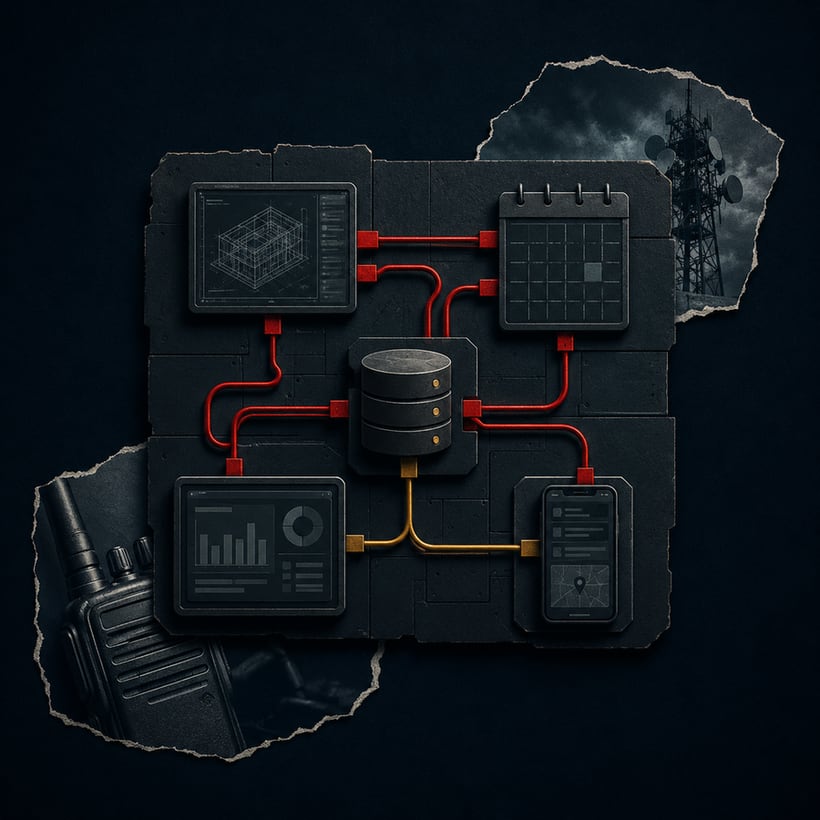 BuilderTechnology Connection Mapper
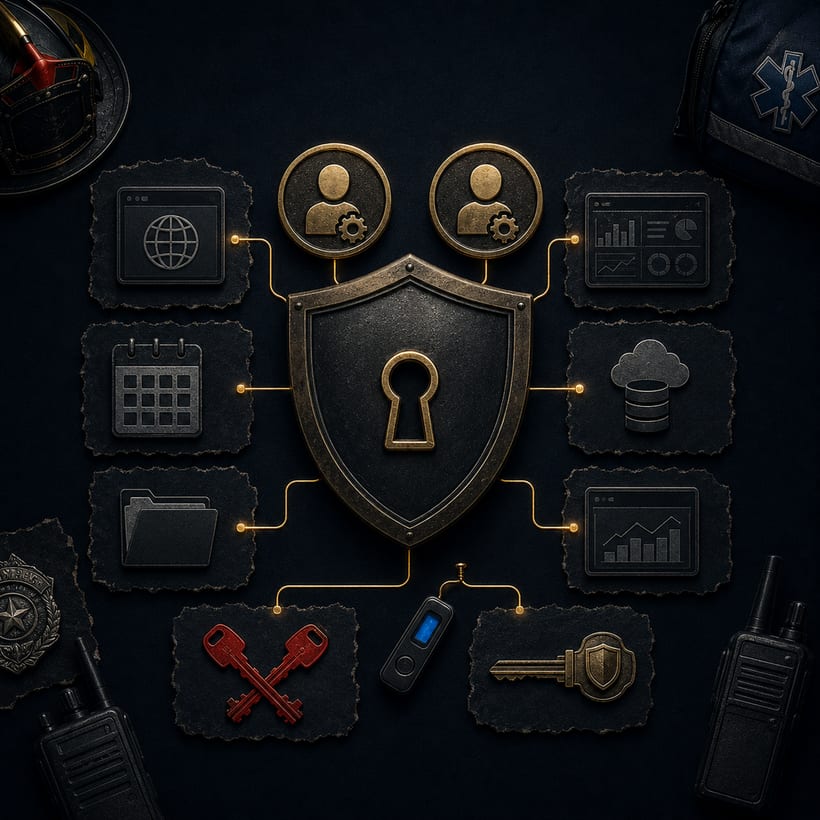 AssessmentTechnology Access Resilience Check
 Part of the seriesPublic Safety TechnologyExplore the series
 More guides
All guides →a vendor
data
an RFP
that works
Recent posts
All posts →