20 Online Tools That Can Help Organize and Manage Your Fire Department
Fire departments manage an extraordinary amount of information. Member records, certifications, training, schedules, apparatus, equipment, inspections, participation, documents and communications often live in different spreadsheets, binders and applications.
The goal of online tools should not be to add another place to check. They should connect information, reduce duplicate entry and make responsibility clearer.
Here are twenty tools that can help organize and manage a fire department.
Member Roster and Profiles
Create one source of truth for every member. A strong roster connects rank, roles, contact details and status so the rest of the department's tools use the same record.
Look for rank and role history with effective dates, emergency contacts, department-defined fields, active or inactive status and field-level privacy for sensitive information.
Certification and Credential Tracking
Track firefighter, EMT, driver and instructor credentials with expiration alerts before something lapses.
Useful capabilities include secure license-number storage, renewal workflows, leadership approval for member submissions and a personal dashboard showing each member what is approaching expiration.
LOSAP, Benefits and Incentives
Volunteer and combination departments may manage LOSAP along with local property-tax credits, state programs, stipends, per-call pay and internal recognition.
Look for configurable point plans, automatic accrual from activity, qualifying-year calculations and required forms. Managed state or county templates can help when program rules change.
Training Progressions and Task Books
Use structured, sign-off-driven paths that move a recruit from probation to qualification.
The tool should support phases, prerequisites, officer approvals and member-facing progress. Starter templates for firefighter, driver/operator, officer and EMS paths can prevent every department from beginning with a blank screen.
Run Logs and Incident Reporting
Incident records support statistics, grants, accountability and participation.
Look for unit and member response attribution, historical-data import, NERIS-ready reporting and clear tracking of who participated in each incident. That activity should feed LOSAP and reporting without duplicate entry.
Scheduling and Duty Crews
Manage shift rotations, duty crews and station coverage without endless phone calls.
A good tool distinguishes the shift window from the qualified people filling it. It should provide a live on-duty board, minimum-staffing alerts, swap requests and personal-calendar export.
Shift Sign-Ups and Coverage Requests
Allow members to claim open slots through self-service while enforcing eligibility.
Open-slot broadcasts should reach qualified members, and the system should apply rank or credential rules before confirming the assignment.
Apparatus and Fleet Records
Track apparatus identity, riding positions, service status, mileage and engine hours.
Photos, identifying details and usage history help connect each unit with maintenance, inspections and work orders.
Preventive Maintenance and Work Orders
Schedule recurring maintenance and document why something is out of service.
Members should be able to report a problem, while leadership tracks it through resolution. Work orders should apply to apparatus, stations and individual equipment.
Equipment and Asset Inventory
Track SCBA, radios, hose, tools, gear and other assets by status and location.
Support quantity-based and serialized inventory, assignments to units or stations, service status and a shared catalog that departments can customize.
Checklist11. Inspections and Checklists
Turn apparatus, station, SCBA and equipment checks into documented records.
Look for configurable checklists, timestamps, pass or fail history, photo verification and a clear record of who completed and approved each inspection.
Attendance and Participation
Record drills, calls, meetings, standbys and other activity once.
The same event should feed participation, LOSAP, incentives and reports. Group logging can credit an entire crew without entering the activity separately for every member.
Announcements, Messaging and Chat
Bring department communication into one organized location instead of several unrelated group chats.
Useful tools include leadership broadcasts, direct messages, topic or event groups, short urgent notices and acknowledgment tracking for critical information.
Document Library and SOPs
Make policies, forms, handbooks and guides searchable and easy to find.
Look for categories, version history, role-based visibility and required acknowledgment when leadership needs proof that members reviewed a specific version.
Custom Forms and Electronic Signatures
Digitize applications, waivers, reports and internal requests.
A flexible form builder should support conditional questions, electronic signatures, submission status and PDF or CSV export.
Events, RSVPs and Calendars
Coordinate drills, banquets, fundraisers, training and community events.
Shared calendars, reminders, RSVP headcounts and personal-calendar sync help departments plan with real attendance information.
Awards, Recognition and Retention
Recognize longevity, progression, performance and contributions.
Nomination workflows and member-visible recognition can help people feel valued. Participation trends and LOSAP pacing may also reveal disengagement before a member leaves.
Recruitment and Onboarding
Connect prospective-member follow-up with applications, acceptance and a structured onboarding process.
Use paperwork and orientation checklists, mentor assignments, gear issuance and training progressions so a new member does not become a name that slowly disappears from the roster.
Reporting and Analytics
Create useful reports for leadership, boards, municipalities and grant reviewers.
Look for standard roster, certification, response, participation and LOSAP reports, plus PDF and CSV exports, saved views and permission-aware custom reporting.
Roles, Permissions and Data Security
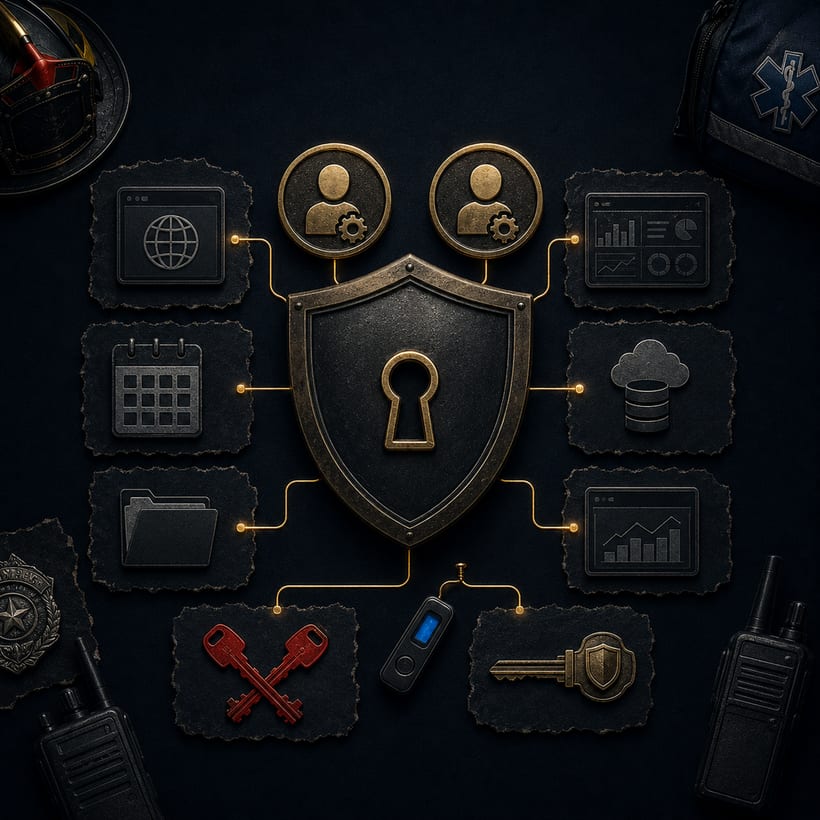
Not everyone should see or change everything.
Use configurable permissions with sensible defaults, protected controls for invitations and sensitive settings, encryption, audit logs and strong separation between departments when the service supports multiple organizations.
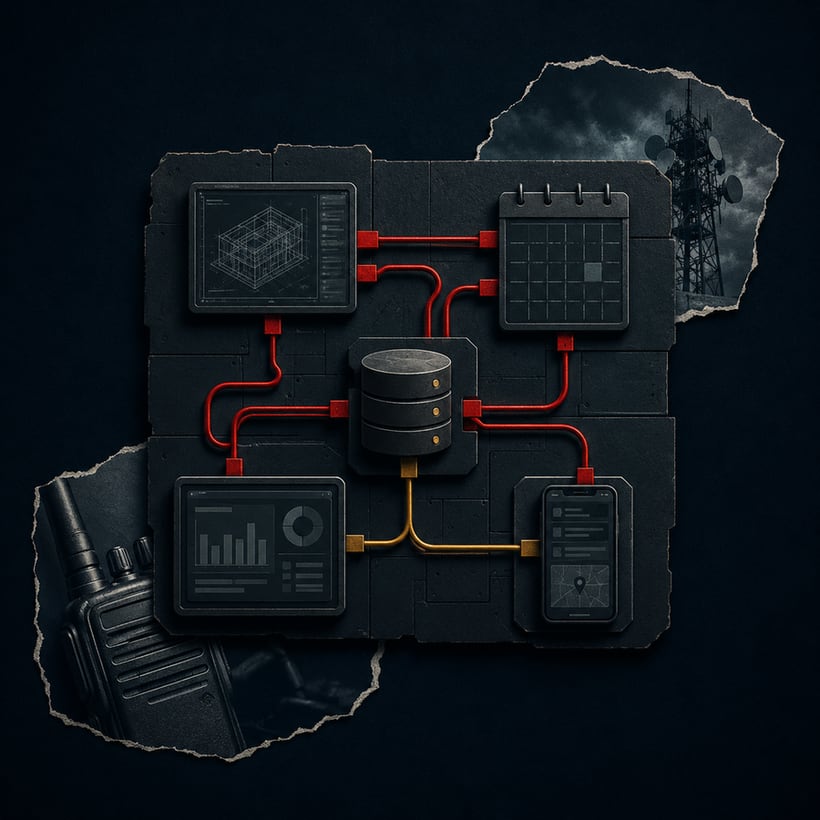
What Connects the Tools Matters Most
The value is not simply having twenty features. It is whether they share information.
Ask whether one activity record can feed participation, LOSAP and reporting. Determine whether a certification affects scheduling eligibility and whether onboarding can trigger document, training and equipment responsibilities.
Also evaluate:
- One source of truth instead of repeated entry
- Configuration without requiring a developer
- Mobile access and member self-service
- Multi-station and multi-company support
- Encryption, audit history and least-privilege access
- Data export and portability
- Clear ownership, support and continuity
For a broader planning framework, read Guide to Organizing and Managing a Fire Department with Online Tools.
For a deeper membership focus, read Guide to Managing Fire and EMS Membership with Online Tools.
Related guides
Go deeper on this topic.
tools
roster
Tools for this topic
Free interactive tools to put this into practice.
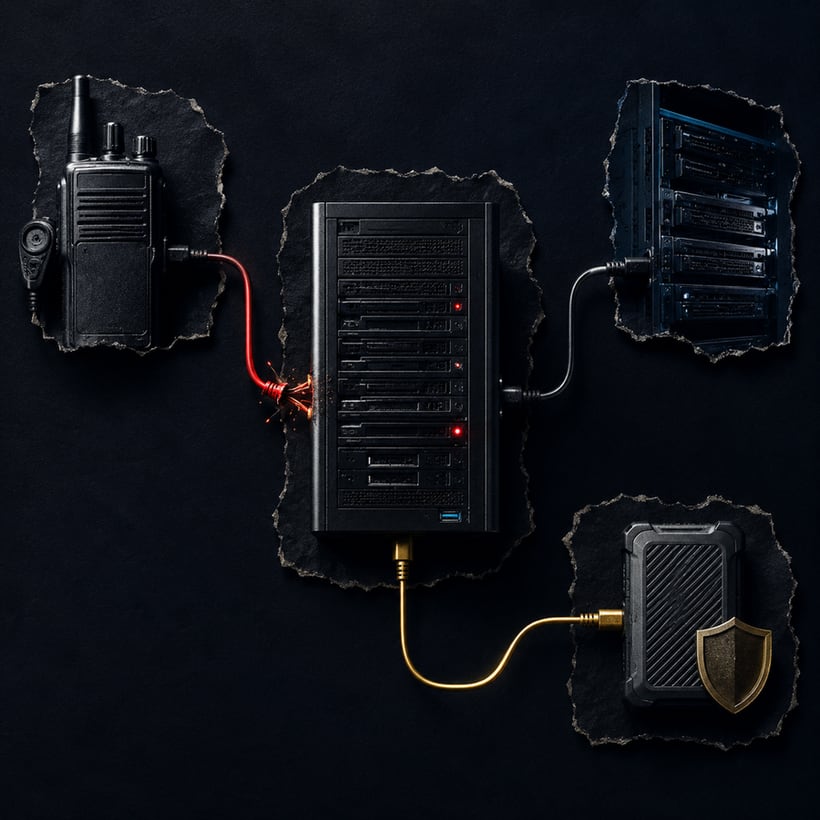 AssessmentTechnology Continuity Risk Check
 BuilderTechnology Connection Mapper
 AssessmentTechnology Access Resilience Check
 Part of the seriesPublic Safety TechnologyExplore the series
 Recent posts
All posts →